Where to Find assets?
As I mentioned briefly on the software page, there are a million and one ways to get and find assets for 3D projects. The internet is filled with different assets, scenes and characters. These can range from free beginner level assets to thousand dollar professionally crafted realistic scenes. Knowing where to search and what is a good fit for your project is the most important steps. Here I will discuss good places to start looking and the most important qualities of any asset.
FAB
Fab is the asset store built within the Epic Game Launcher. It is super useful, very convenient, easy to understand and greatest place to buy and store assets for Unreal Engine. It also has assets compatible for Unity and Metahuman.
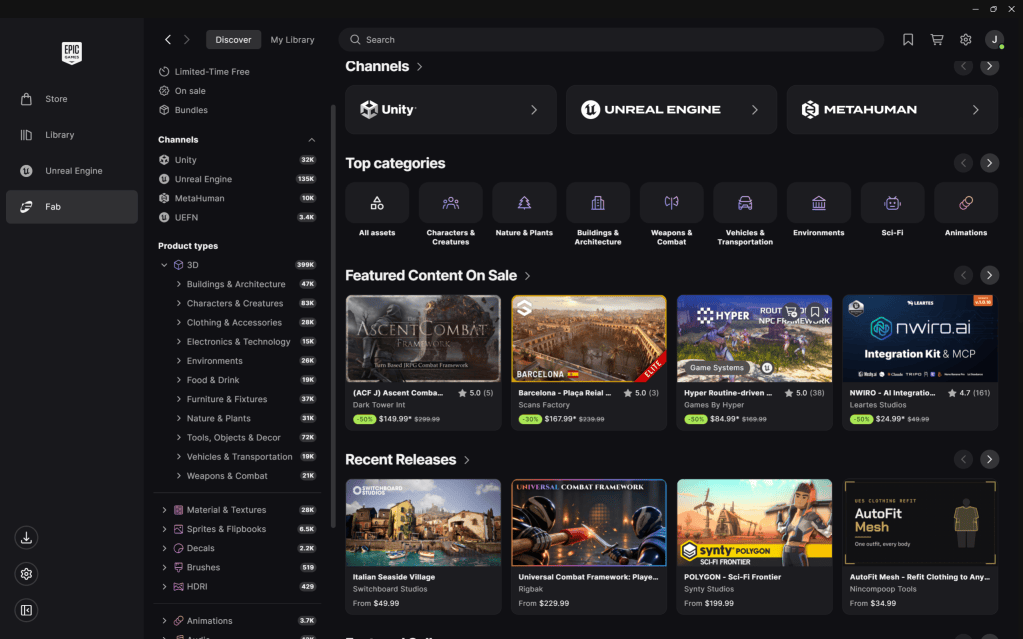
I highly recommend acquire your assets from here if you wish to create the 3D audio-reactive lighting as I did. For my project I used City Subway Train Modular by Dekogon Studios. It was free to use and only 1.86 GB of disk space.
Sketchfab
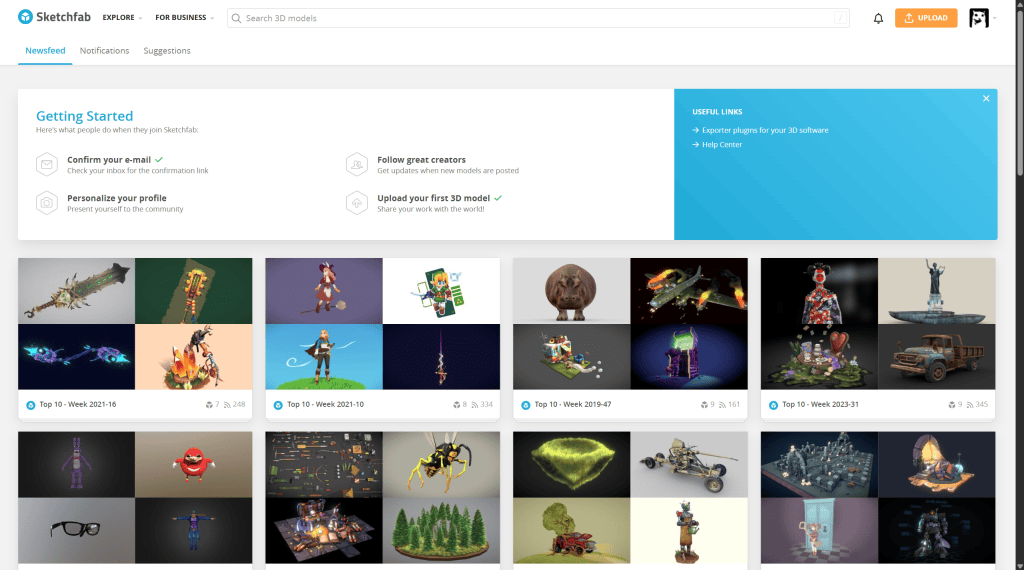
Out of the sea of websites that offer 3D assets, Sketchfab stands out above the rest. It offers a plethora of assets from trusted vendors. Its a household name in the 3D editing, production and publication space. Its easy to acquire (either paid or free) or sell assets as a normal user.
Asset Qualities
Polygons
Imagine your holding a ball but this ball only has 8 sides. It wouldn’t really feel or look like a ball. Now imagine this ball had 8,000 sides. Each side would be so small that it would practically look like a round ball. This is exactly what polygons are.
Every asset is made up of polygons (aka faces or sides). This polygons are also know as triangles. The more polygons an object or asset has, the smoother and more refined it might look. You might have heard the phrase “low-poly” meaning “low polygon count” which refers to an asset that has much fewer sides and thus looks more rigid and crude. Understanding polygon count is critical when examining what assets you would what to use for your project. If you want a scene to low realistic, higher polygon counts are recommended to look more refined and crips.
But be aware, too many polygons can ruin a project. Having too high of a polygon count on an asset or scene can lead to slow render times, harder adjustability and immense computer power. Understanding the perfect ratio between polygon count and quality is needed to make the ideal scene.
Size
The biggest contributor towards size is, once again, polygons. The more polygons, the larger the file will be. The larger the file, the slower your computer will run and thus makes working on a project exponentially harder.
Too many assets, too many lights or a large scene can also contribute to a larger project size. But having one large file is mostly fine but the problem lays when you want to save the project. Sometimes, depending on software and setting, saving a project could result in duplicates being made. If multiple duplicates are made, storage space can quickly deplete.
File type
The trickiest part about finding the right assets is knowing what file type you need/want. There are about dozen different file types that would work for different situations. Each file type achieves a different propose.
The most prominent file types include OBJ, FBX , GLB & Blend. These will work for the majority of projects you would want, especially if you are a beginner. Some of them work best in particular softwares. For example, a blend file works best with Blender. You can just append the asset into the software and it will be fully colored with the correct texture and size. OBJ works better for Unreal Engine and Touch Designer which I what I will be using for my project.
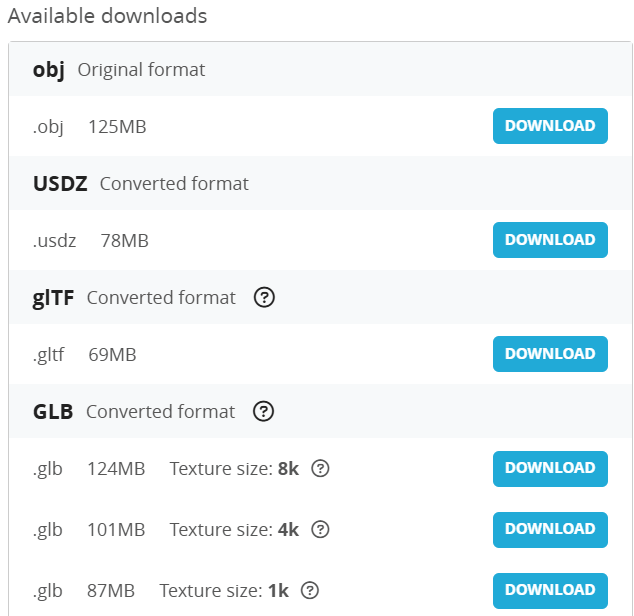
Here you can see a list of available downloadable file types on a normal Sketchfab asset. Other assets will have different file types and sizes depending on the file type you choose. Luckily, there is a bunch of information online regarding file types so if you ever confused, give it a quick search and you’ll be able to understand what fits your project the best.

